Working from a small home office presents unique ergonomic challenges. Limited space often forces people to compromise on desk dimensions, chair positioning, and monitor placement. Unfortunately, an improper workstation setup can lead to neck pain, back discomfort, wrist strain, headaches, and reduced productivity. The good news is that even the smallest workspace can be transformed into an ergonomic and comfortable environment with proper desk height and chair adjustments.
This guide explains how to create the ideal desk and chair setup for a compact home office while maximizing both comfort and efficiency.
Why Ergonomics Matters in a Small Home Office
Many remote workers spend between six and ten hours per day at their desks. When a workstation is poorly adjusted, the body compensates with unnatural postures that increase stress on muscles and joints.
Common problems caused by poor workstation ergonomics include:
- Lower back pain
- Neck stiffness
- Shoulder tension
- Wrist and forearm discomfort
- Eye strain
- Reduced concentration
- Fatigue during the workday
A properly adjusted desk and chair support the body’s natural posture, reducing fatigue and helping you maintain focus throughout the day.
The Ideal Desk Height
Desk height is one of the most important factors in workstation ergonomics. While many desks come in a standard size, not every desk suits every user.
Standard Desk Height
The typical office desk measures approximately:
| Desk Type | Height |
|---|---|
| Standard Desk | 28–30 inches (71–76 cm) |
| Standing Desk | Adjustable |
| Compact Home Office Desk | 27–30 inches (69–76 cm) |
For most adults, a desk height around 29 inches (74 cm) works reasonably well. However, optimal comfort depends largely on individual body dimensions.
How to Determine Correct Desk Height
When seated correctly:
- Elbows should form approximately a 90-degree angle.
- Forearms should remain parallel to the floor.
- Shoulders should stay relaxed.
- Wrists should remain straight while typing.
If your shoulders rise when using the keyboard, the desk is likely too high. If you lean forward excessively, the desk may be too low.
Choosing the Right Chair Height
The chair should always be adjusted before modifying other workstation elements.
Proper Chair Position
When sitting:
- Feet should rest flat on the floor.
- Knees should be at a 90 to 100-degree angle.
- Thighs should remain parallel to the floor.
- Hips should sit slightly higher than knees.
Most office chairs offer adjustable seat heights between:
| User Height | Recommended Chair Height |
|---|---|
| 5’0″–5’4″ (152–163 cm) | 15–17 inches |
| 5’5″–5’9″ (165–175 cm) | 17–19 inches |
| 5’10″–6’2″ (178–188 cm) | 19–21 inches |
| Over 6’2″ (188+ cm) | 21–23 inches |
Small adjustments can significantly improve posture and comfort throughout the day.
Correct Monitor Placement
In compact workspaces, monitor positioning is often overlooked. Many users place screens too low, causing excessive neck flexion.
Recommended Monitor Setup
The monitor should be:
- Positioned directly in front of you.
- Approximately an arm’s length away.
- With the top edge of the screen at eye level.
- Tilted slightly upward.
For laptops, using a separate keyboard and laptop stand can dramatically improve ergonomics while consuming very little additional desk space.
Keyboard and Mouse Positioning
Keyboard and mouse placement directly affect wrist health.
Best Practices
- Keep both devices at elbow height.
- Place them close enough to avoid reaching.
- Maintain neutral wrist alignment.
- Keep elbows near the body.
A compact keyboard without a number pad can free valuable space in small home offices and improve mouse positioning.
Small Home Office Space-Saving Ergonomic Solutions
Limited square footage doesn’t mean sacrificing comfort.
Wall-Mounted Desks
Wall-mounted desks create an efficient workspace without occupying excessive floor space.
Benefits include:
- Minimal footprint
- Easy cable management
- Clean appearance
- Flexible placement
Corner Desks
Corner desks make excellent use of underutilized room areas.
Advantages:
- Larger work surface
- Better organization
- Efficient room utilization
- Extra storage opportunities
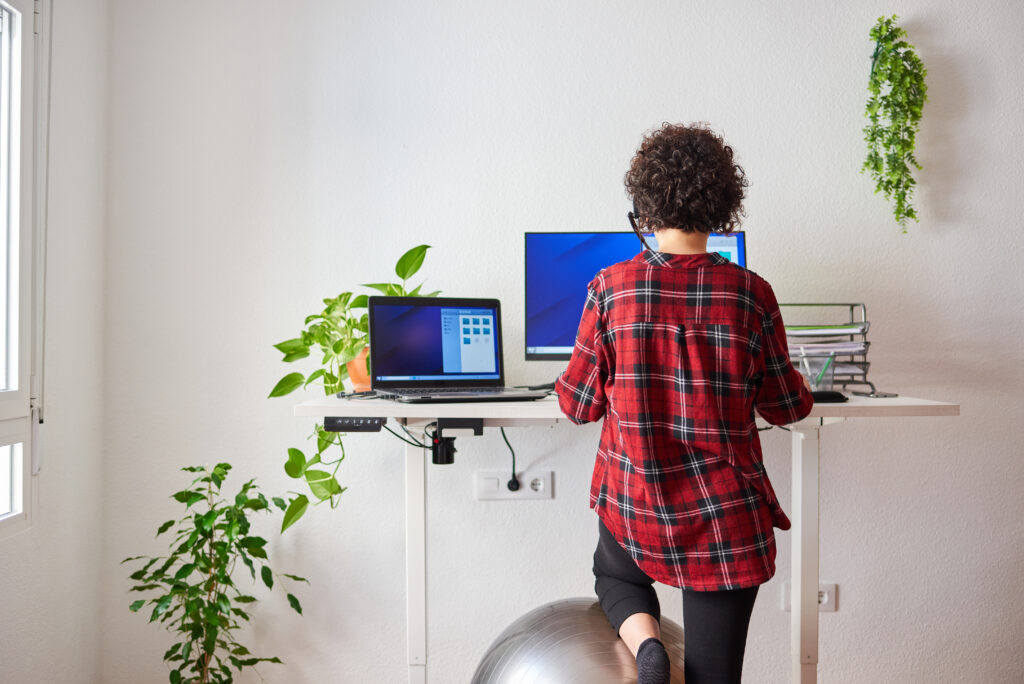
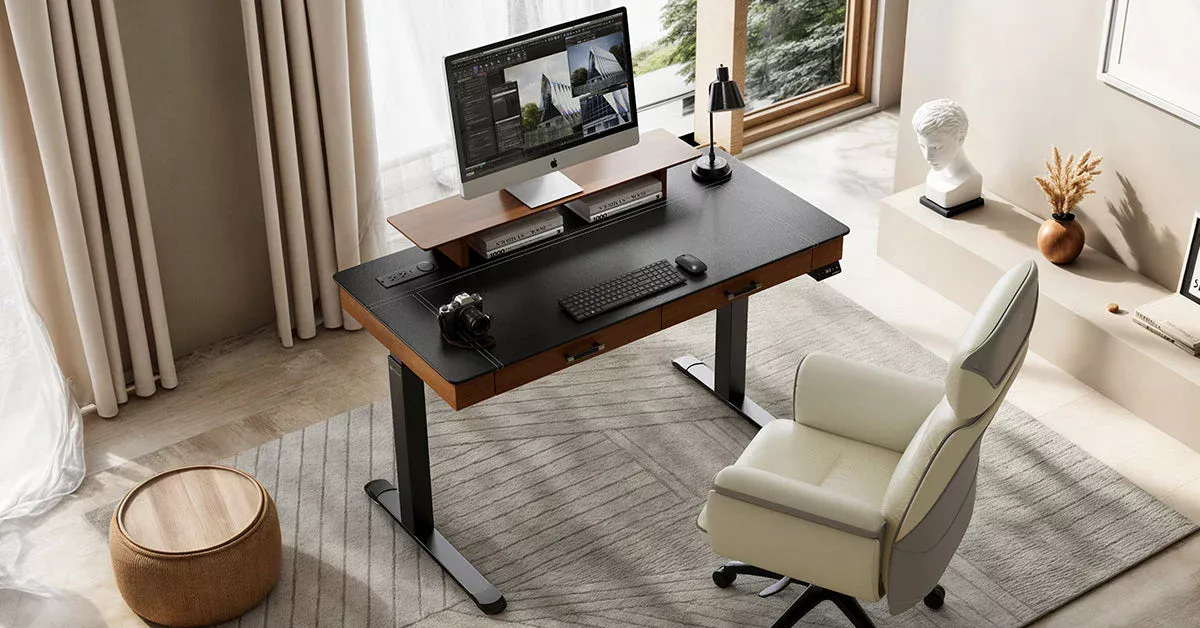
Adjustable Standing Desks
Compact sit-stand desks provide flexibility and support healthy movement throughout the workday.
Benefits:
- Reduced sedentary time
- Improved circulation
- Enhanced focus
- Better posture variation
Desk and Chair Setup Checklist
Use this quick checklist to verify your workstation:
✅ Feet flat on the floor
✅ Knees at approximately 90 degrees
✅ Lower back supported
✅ Shoulders relaxed
✅ Elbows at 90 degrees
✅ Wrists straight
✅ Monitor at eye level
✅ Screen roughly an arm’s length away
✅ Frequently used items within easy reach
✅ Adequate lighting without glare
Common Ergonomic Mistakes
Even expensive office furniture cannot compensate for poor setup habits.
Avoid:
Sitting Too High
When feet dangle, pressure increases on the thighs and circulation may become restricted.
Leaning Forward
Often caused by a monitor positioned too far away or too low.
Unsupported Lower Back
Insufficient lumbar support frequently contributes to chronic back discomfort.
Using the Laptop Keyboard All Day
This typically forces a compromise between proper screen height and comfortable typing posture.
Remaining Stationary for Hours
Even a perfect setup cannot replace regular movement.
Experts often recommend standing, stretching, or walking briefly every 30 to 60 minutes.
Best Accessories for a Small Home Office
Several compact accessories can significantly improve comfort without occupying extra space:
| Accessory | Benefit |
|---|---|
| Laptop Stand | Raises screen to eye level |
| Footrest | Improves lower-body support |
| Monitor Arm | Frees desk space |
| Compact Keyboard | Better ergonomic positioning |
| Ergonomic Mouse | Reduces wrist strain |
| Lumbar Cushion | Improves back support |
| Under-Desk Cable Tray | Reduces clutter |
Creating a Productive Ergonomic Workspace
An ergonomic workstation does not require a large room or expensive furniture. Proper desk height, chair adjustment, monitor positioning, and thoughtful use of space can dramatically improve comfort and productivity in even the smallest home office.
The most effective setup is one that supports natural posture, encourages movement, and adapts to your individual body dimensions. By investing a little time in adjusting your workspace correctly, you can reduce discomfort, improve focus, and make remote work significantly more enjoyable over the long term.
The ideal small home office combines efficient use of space with ergonomic design principles. Start by adjusting your chair height, align your desk and monitor accordingly, and introduce space-saving accessories where needed. Small improvements in workstation setup can produce substantial benefits for your health, comfort, and daily productivity.