
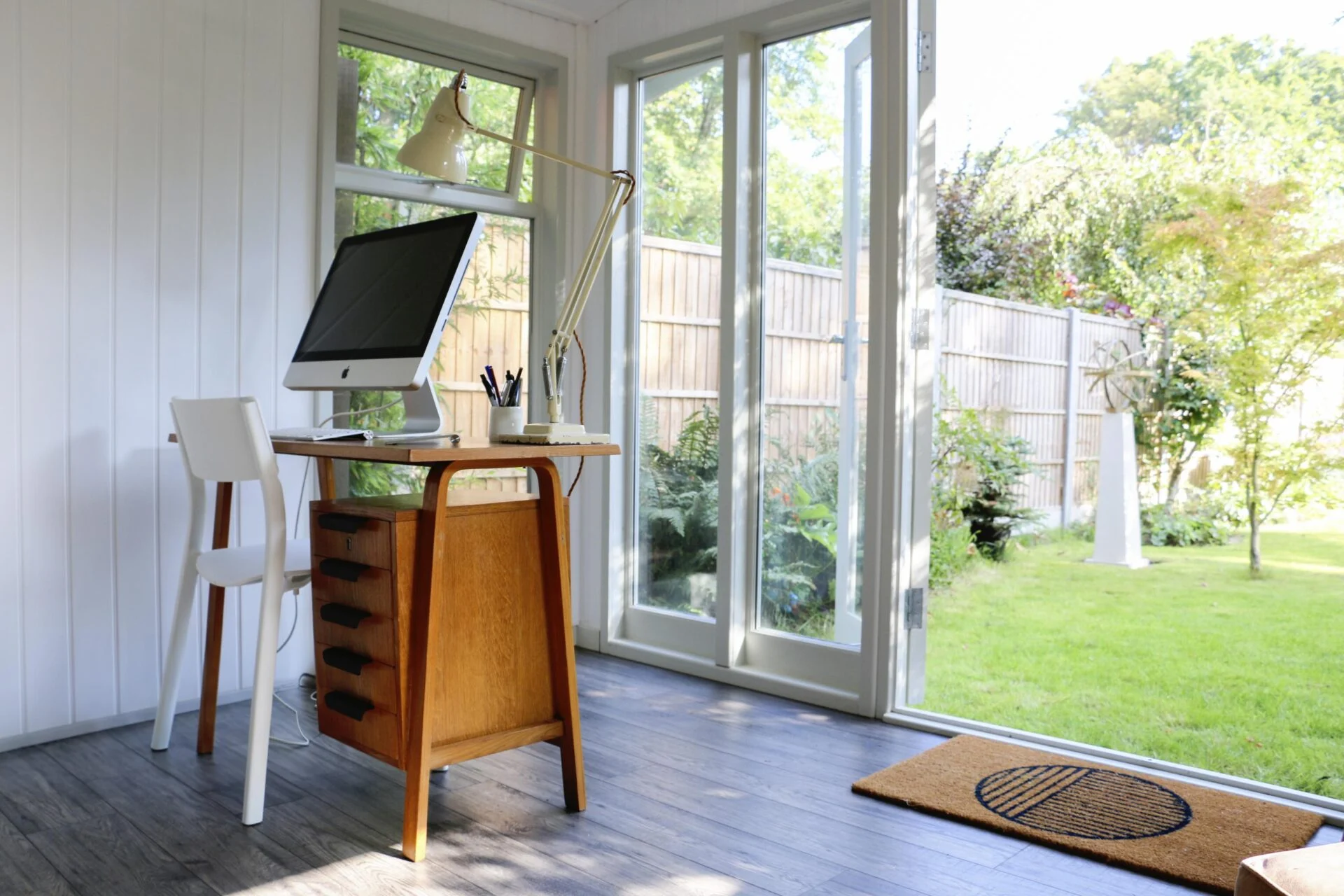
Working from a garden office is the ultimate dream. You get a quiet commute, a change of scenery, and the ability to gaze at your tomatoes while you answer emails.
However, that dream quickly turns into a logistical nightmare if your laptop dies halfway through a Zoom call and your Wi-Fi drops to zero bars the moment you step out the back door.
If you’re setting up a backyard sanctuary, getting reliable power and internet out there is non-negotiable. Here is a step-by-step guide on how to safely and effectively run electricity and internet to your garden office.
Powering Up (Electricity)
Let’s get one thing straight right out of the gate: Do not just run a heavy-duty extension cord from your kitchen window. Extension cords are temporary solutions. They are tripping hazards, vulnerable to weather, and prone to overloading, which is a major fire risk.
To do this right, you need a permanent underground run.
Assess Your Power Needs
Before calling an electrician (or digging a trench), figure out what you’ll be plugging in. Just a laptop and a lamp? Or do you need a space heater, air conditioner, heavy-duty monitors, and a mini-fridge? The total wattage will determine the size of the cable and whether you need a dedicated sub-panel installed in your office.
Choose Your Route and Dig the Trench
You’ll need to run armored cable (like SWA—Steel Wire Armoured cable in the UK, or UF-B cable inside conduit in the US) from your main house breaker panel to the garden office.
- Depth matters: Check local building codes, but generally, the trench needs to be at least 18 to 24 inches deep to prevent it from being accidentally punctured by a garden spade.
- Call before you dig: Seriously. Call your local utility-locating service (like 811 in the US) to ensure you don’t slice through a gas line or main water pipe.
Run the Cable and Conduit
Even with armored cable, running it through PVC conduit provides an extra layer of protection against moisture, shifting earth, and curious rodents.
Hire a Professional (At Least for the Hookup)
Unless you are a licensed electrician, you should hire a professional to handle the final connections. Connecting to your home’s main breaker panel involves working with live, high-voltage electricity. Do not DIY this step. A certified electrician will ensure everything is up to code, properly grounded, and fitted with a GFCI (Ground Fault Circuit Interrupter) for safety.
Logging On (Internet)
Once the lights are on, you need to get online. Relying on your home’s Wi-Fi router to blast a signal through double-glazed office doors, brick walls, and 50 feet of backyard air usually ends in frustration. Here are the three best ways to get strong internet in your garden office:
Option A: Run an Ethernet Cable (The Gold Standard)
If you want the fastest, most reliable connection with zero latency, run a direct Ethernet cable alongside your power cable.
The catch: Standard copper Ethernet cables shouldn’t be run right next to high-voltage power lines because electromagnetic interference (EMI) can mess with your signal. Keep them separated by a few inches, or use Direct Burial Shielded Cat6 cable.
Pro Tip: Alternatively, run an Outdoor-Rated Fiber Optic cable. Fiber is immune to electrical interference, handles long distances effortlessly, and lightning-fast. You’ll just need media converters at both ends to switch from fiber to Ethernet.
Option B: Use a Wireless Mesh System (The Easy Route)
If digging another trench sounds exhausting, a wireless mesh network is your best friend.
- Mesh systems use a main router and a series of “nodes” placed around your home.
- Place one node as close to the back door as possible (maybe inside a window facing the garden office). If your garden office is well-insulated, you may need an outdoor-rated mesh node mounted on the exterior of the house or office.
Option C: Powerline Adapters (The Budget Option)
Powerline adapters use your garden office’s newly installed electrical wiring to transmit internet data. You plug one adapter into a wall socket near your home router and plug an Ethernet cable into it. Then, you plug the second adapter into a wall socket in your garden office.
- While convenient, performance depends entirely on the quality and age of your home’s electrical wiring. It won’t match a direct Ethernet or fiber run, but it’s often better than Wi-Fi.
Bringing It All Together
Once the power is flowing and the internet is connected, it’s time to set up your workspace:
Install plenty of outlets: Put in more outlets than you think you need. Between computers, monitors, phone chargers, lamps, and heaters, plugs fill up fast.
Consider climate control: If you live somewhere with extreme temperatures, factor in a mini-split heat pump or AC unit. (This is another reason why having an electrician calculate your power needs in Phase 1 is crucial).
Test everything before closing the trench: Before you shovel dirt back over your cables, test the power outlets and run a speed test on your internet connection.
Running power and internet to a garden office takes a bit of upfront planning, heavy lifting, and investment. But once it’s done, you’ll have a fully independent, professional workspace just steps from your back door—with all the bandwidth and power of the main house.
Now, the only problem you’ll have is finding an excuse to go back inside.